100% working Jailbreak iPhone 3.1.2 firmware
Using custom build firmaware didn't work for me. So I used blakra1n tool and I should say it's the best tool ever! It's fast and easy.Step 1: Download the latest version of iTunes if you haven’t already.(Download link)
Step 2: Update/restore to the original (stock) iPhone firmware 3.1.2 on your iPhone by using the latest version of iTunes.
Download iPhone OS 3.1.2 for iPhone 2G
Download iPhone OS 3.1.2 for iPhone 3G
Download iPhone OS 3.1.2 for iPhone 3GS
Step 3: You will now have to jailbreak your iPhone running on iPhone 3.1.2 firmware with blackra1n RC3. Follow the complete step by step guide posted before in order to jailbreak your iPhone 3G/3GS with blackra1n RC3.

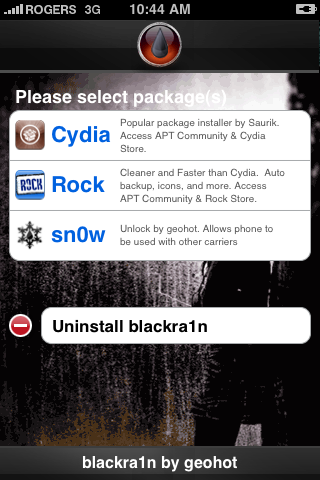
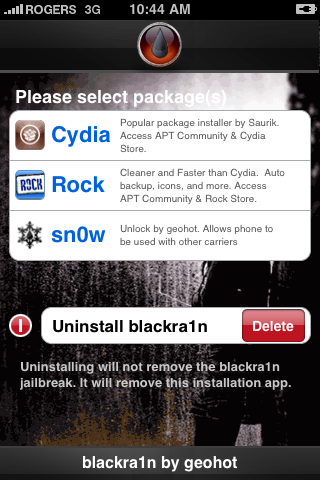
Step 4: Once you are done with the jailbreak choose the installer application of your choice then press to select Cydia. Press the Install button at the top right of the screen to begin.
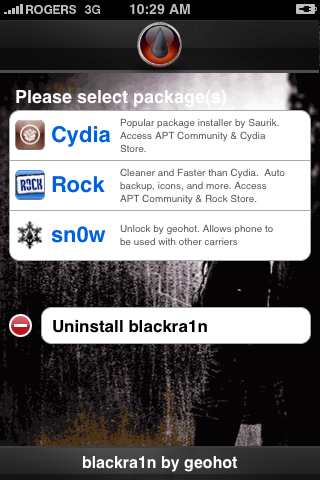
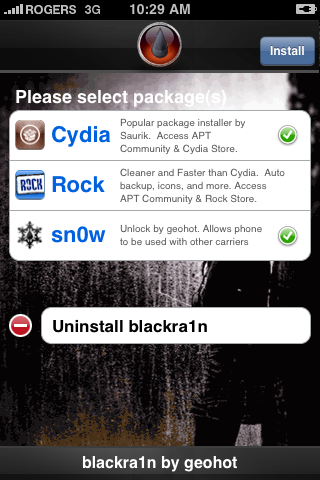
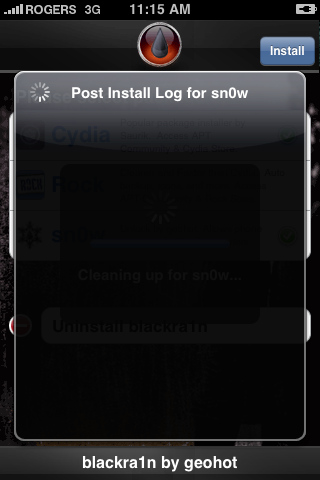
BlackRa1n will begin to download and install the package you selected.
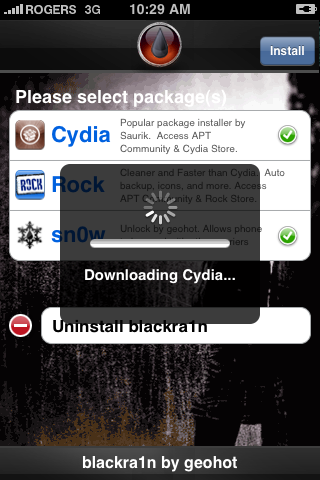
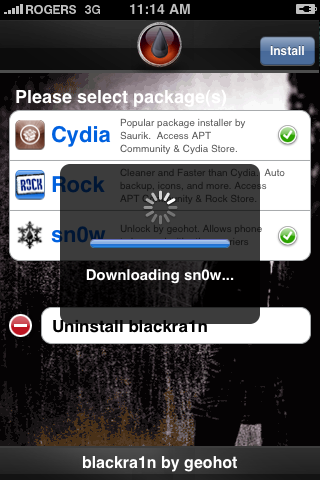
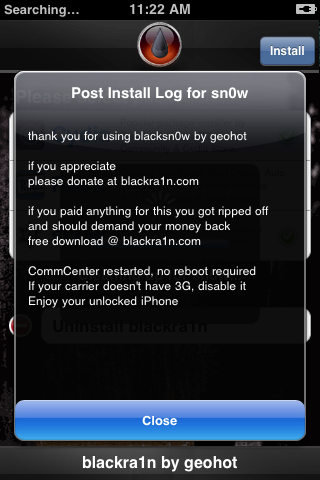
If you chose to unlock device using blacksn0w you will be presented with a Post Install log for sn0w. CommCenter will be restarted and there is no need to reboot. If your carrier doesn't support 3G then disable it. Press the Close button to continue.
Step 5
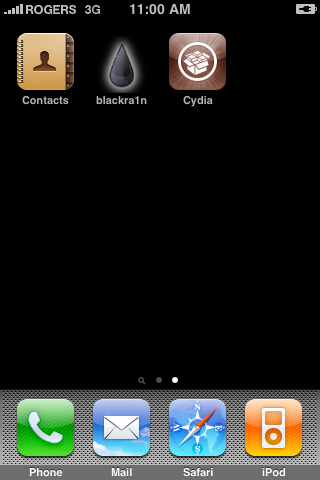
Once complete BlackRa1n will respring your iPhone and you will find the installer package of your choice on the Springboard.
Step 6
Once you have confirmed your installer package is working correctly you may use the Uninstall blackra1n button inside the BlackRa1n app to remove it from your springboard.


 Posts
Posts


No comments:
Post a Comment